


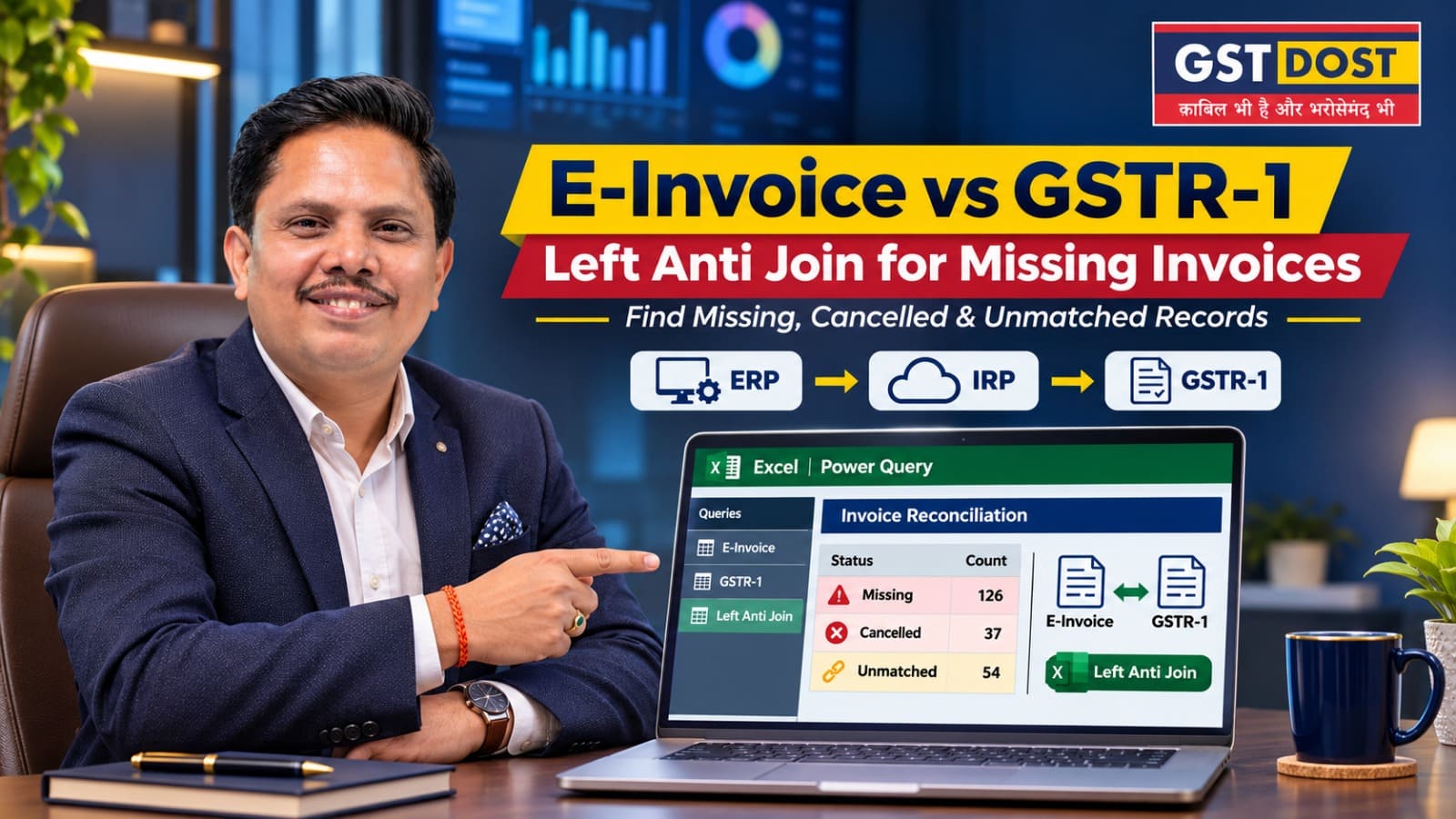
For a business covered by e-invoicing, every sale to a registered customer exists in three places: the accounting system, the Invoice Registration Portal (IRP) that issues the Invoice Reference Number (IRN), and the GSTR-1 filed for the period. The three do not always agree. Annual totals can look close while individual invoices are missing or cancelled on one side. A document-level test finds them. In Power Query, the data tool built into Excel, that test is called a left anti join.
In simple terms
- An IRN shows that an invoice was registered. It does not show that GSTR-1 was filed correctly.
- A left anti join lists what is present in one list and missing from another.
- Every item on that list is a question. Applicability, cancellations and reissued invoices have to be checked before it is called an error.
Why this matters
A business can have a valid invoice in its accounting system, an IRN generated on an IRP, and a different record in its filed GSTR-1. Comparing sales values at the year end will not show which invoice is the problem.
The stakes are real on both sides. An invoice that should have carried an IRN and did not is a document problem. An active IRN that never reached the books or the return is a turnover problem.
What to know about e-invoicing first
- Who is covered. Under Notification No. 10/2023-Central Tax, e-invoicing has applied since 1 August 2023 to registered persons whose aggregate turnover exceeded ₹5 crore in any financial year from 2017-18. That threshold was unchanged on the review date.
- Which documents. Invoices, credit notes and debit notes issued to registered persons, and exports. Sales to consumers (B2C) are not covered.
- Why the IRN matters. Rule 48(5) of the CGST Rules says that an invoice issued by a covered person in any other manner is not to be treated as an invoice.
- Cancellation. The FAQ published on one of the authorised IRPs states that an e-invoice can be cancelled only within 24 hours of generation and cannot be amended on the IRP. After that, the change has to be made in GSTR-1.
- Reporting time limit. From 1 April 2025, taxpayers with aggregate turnover of ₹10 crore or more cannot report a document on the IRP more than 30 days after its date. GSTN announced this in its advisory of 5 November 2024.
- Auto-population. GSTN's GSTR-1 manual says that e-invoice details are pulled into Tables 4A, 4B, 4C, 6B, 6C, 6A and 9B of GSTR-1, within about two days of registration on the IRP. If an auto-populated record is edited, its Source, IRN and IRN Date columns become blank.
Put together, these points explain why an IRN is not the same thing as a correctly filed GSTR-1. An IRN proves registration. The filed GSTR-1 can still differ, because records can be edited, added or deleted before filing, and because a cancellation made after 24 hours exists only in the return.
Coming from 1 January 2027: Notification No. 04/2026-Central Tax dated 26 October 2026 extends e-invoicing to two more kinds of transaction: supplies received from an unregistered person on which the recipient pays tax under reverse charge, and import of services. For these, the recipient raises the invoice itself. The notification does not change the turnover threshold. GSTN's advisory dated 17 November 2026 refers to the two by the supply-type codes RCMDOM and RCMIMP. From 1 January 2027, the IRP list of a business will therefore also contain these self-invoices. They are inward supplies and do not belong in a comparison with GSTR-1, so filter them out by supply type before running the test. Read the notification and the advisory before changing any process.
Three lists, one key
The test needs three separate datasets:
- The sales register from the accounting system (ERP).
- The list of e-invoices from the IRP, with the status of each IRN, active or cancelled.
- The invoice-level data of the GSTR-1 as filed.
The matching key is the supplier's GSTIN, document type, financial year and document number. These are the same fields from which an IRN is generated.
First limit the test to documents that are actually subject to e-invoicing. B2C invoices and excluded documents should not be labelled as non-compliant merely because they have no IRN.
Where the IRP list comes from: The GST e-invoice portal, einvoice.gst.gov.in, offers a List of IRNs in Excel for a month, covering e-invoices generated or received, active or cancelled, across all the IRPs. GSTN's FAQ says that e-invoice data is available for download there for six months from the date of IRN generation. For the early months of FY 2025-26, the list may therefore have to come from the business's own e-invoicing software or records. For the future, download it every month.
Practical example
| Test | What it finds | What to check before concluding |
|---|---|---|
| In the books, not in the active IRN list | Invoice S-208 for ₹3,00,000 is in the sales register. No active IRN exists for it. | Was the document subject to e-invoicing? Is the IRP list complete? Was the invoice cancelled and reissued under another number? |
| Active IRN, not in the books | Invoice S-192 for ₹1,50,000 has an active IRN. It is not in the sales register. | Was it cancelled only in the accounting software? Was it posted to another ledger or branch? Is it in the filed GSTR-1? |
| Cancelled IRN, still in the filed GSTR-1 | An IRN is marked cancelled, but the original invoice remains in the outward supply details as filed. | Was the record removed or amended in a later GSTR-1? Is there a replacement invoice? |
Illustrative invoice numbers and figures only.
None of these is automatic proof of a violation. Each is an exception that has to be explained with documents.
The five-step Power Query test
Microsoft's documentation describes a left anti join as a merge that returns only the rows of the first table that have no matching row in the second. That is exactly a list of what is missing.
- Export the three datasets to separate read-only CSV or Excel files. Note the number of rows and the tax totals of each.
- Build the key from supplier GSTIN, document type, financial year and the original document number. Standardise the data types without removing leading zeroes that are part of the number, and without changing the invoice number in the source.
- Merge the sales register with the active IRN list using Merge Queries with the join kind Left Anti. The result is the list of documents in the books that are missing from the active IRNs.
- Reverse the two tables to list active IRNs that are missing from the books. Then compare both exception lists with the filed GSTR-1.
- Investigate cancellations, amendments, duplicates, tax heads and GSTR-1 filing periods before reaching a conclusion.
Two checks that protect the result: Look for duplicate keys in each list before merging, because a duplicate can hide a missing document. Compare the row counts and totals before and after importing, so that no data is lost on the way.
Using AI to draft the query
An AI assistant can draft the steps. Practise with made-up data. A prompt you can reuse:
Data confidentiality: A person must still validate applicability, tax treatment, IRN status and each return entry. Never upload confidential invoices or IRNs of a business or its clients to a public AI system without permission and adequate safeguards.
Action points
If you own or manage the business
- Ask whether the three lists have been matched. Sales register, IRN list and filed GSTR-1 should be compared invoice by invoice, at least once before the annual return.
- Ask how cancellations are handled. An invoice cancelled in the accounting software after 24 hours is still active on the IRP unless it is dealt with in the return.
- Have the IRN list downloaded every month. The portal keeps it available only for a limited time.
- Ask for an exception list with an owner for each item. A general assurance that e-invoicing is in order is not enough.
If you do the reconciliation
- Build the three-file comparison template with sample data first.
- Preserve the raw files, and compare source totals before and after importing.
- Run the three tests: books only, IRP only, and cancelled IRN against filed GSTR-1.
- Give every exception an owner and a reference to the evidence.
- Track resolved items, pending items and items referred for legal advice separately.
Red flag: An active IRN is absent from both the sales ledger and the filed GSTR-1. Or a cancelled IRN remains in the outward supply details as filed, without a supported explanation.
Records to keep: The original exports, the query steps, record counts, the lists of unmatched documents, evidence of IRN status, extracts of the filed GSTR-1, copies of the invoices and the signed conclusion on each exception.
What you should have at the end: A short list of invoice-level issues, an estimate of the turnover that may be misstated and needs investigation, and clear improvements for billing and filing controls.
Practical takeaway
Use the anti join to find what is missing. Use legal and documentary review to decide what it means.
Terms used in this article
- E-invoice
- An invoice whose details are reported to an Invoice Registration Portal, which validates them and returns an Invoice Reference Number.
- IRP and IRN
- IRP is the Invoice Registration Portal. IRN is the Invoice Reference Number, a unique reference generated for each registered document.
- ERP
- The accounting or business software in which a business records its invoices.
- GSTR-1
- The statement of outward supplies (sales) filed for a tax period.
- B2B and B2C
- B2B means a supply to a registered person. B2C means a supply to a consumer or other unregistered person.
- Reverse charge and self-invoice
- Under reverse charge, the recipient pays the GST in place of the supplier. Where the supplier is unregistered, the recipient also prepares the invoice for the supply, which is called a self-invoice.
- Left anti join
- A way of comparing two tables that returns only the rows of the first table that have no match in the second.
- Key
- The field or combination of fields used to decide whether a row in one table matches a row in another.
Sources and references
- Rule 48(4) and (5), Central Goods and Services Tax Rules, 2017, and Notification No. 10/2023-Central Tax dated 10 May 2023 - e-invoicing for aggregate turnover above five crore rupees from 1 August 2023.
- E-invoicing FAQ on an authorised IRP (IRIS IRP) - documents covered, cancellation within 24 hours and no amendment on the IRP.
- GSTN user manual - Creation of Outward Supplies Return in GSTR-1 - auto-population of e-invoice details and the Source, IRN and IRN Date columns.
- GSTN - FAQs and Manual, e-Invoice JSON download functionality - List of IRNs and the six-month download period.
- GSTN advisory dated 5 November 2024 - time limit of 30 days for reporting e-invoices on the IRP for aggregate turnover of ten crore rupees and above, from 1 April 2025.
- Notification No. 04/2026-Central Tax dated 26 October 2026 (G.S.R. 918(E)) - amends Notification No. 13/2020-Central Tax to cover reverse charge supplies received from unregistered persons and import of services, from 1 January 2027.
- GSTN advisory dated 17 November 2026 - implementation of e-invoicing for RCM domestic supplies (RCMDOM) and import of services (RCMIMP) with effect from 1 January 2027.
- GST Council press release dated 8 October 2026 - recommendation of the 57th meeting to extend e-invoicing to these transactions.
- Microsoft Learn - Left anti join (Power Query).
Disclaimer: This article is for general information only and reflects the position as understood on the review date mentioned above. It is not legal advice and does not create a professional relationship. Whether a document is subject to e-invoicing, and what a mismatch means, depends on the facts and documents of each case. Invoice numbers and figures in the example are illustrative. Portal features and time limits can change, and any query should be tested on sample data before use. Please obtain professional advice before acting on this article.
GST DOST | GST Annual Return, Reconciliation and Technology-led Review

Related posts
Could a GST Officer Turn ‘Can’ Into ‘Must’? The ₹53.36 Crore Solar Case...
Duplicate ITC Claims: An Excel Power Query Test to Run Before GSTR-9...
Export IGST Refund Not Moving? Check the Export Ledger on the GST Portal Before Blaming Customs...
Capital Goods ITC and Depreciation: Check the Fixed-Asset Register Before GSTR-9...
